Description
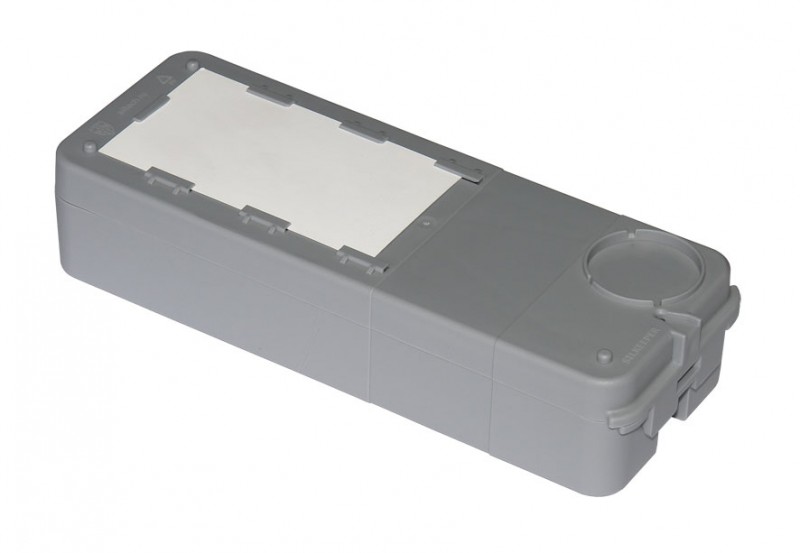
PENAL FOR THE KEY SILKIPER®
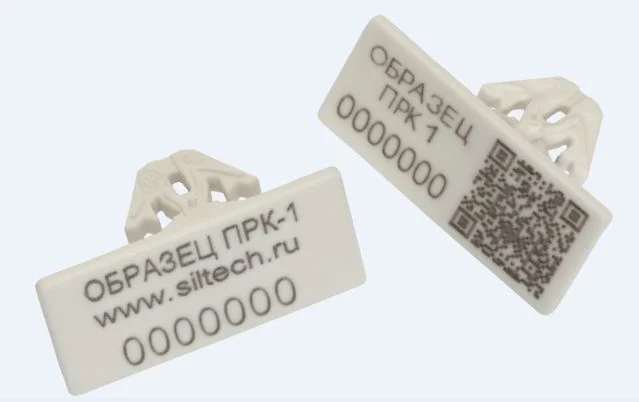
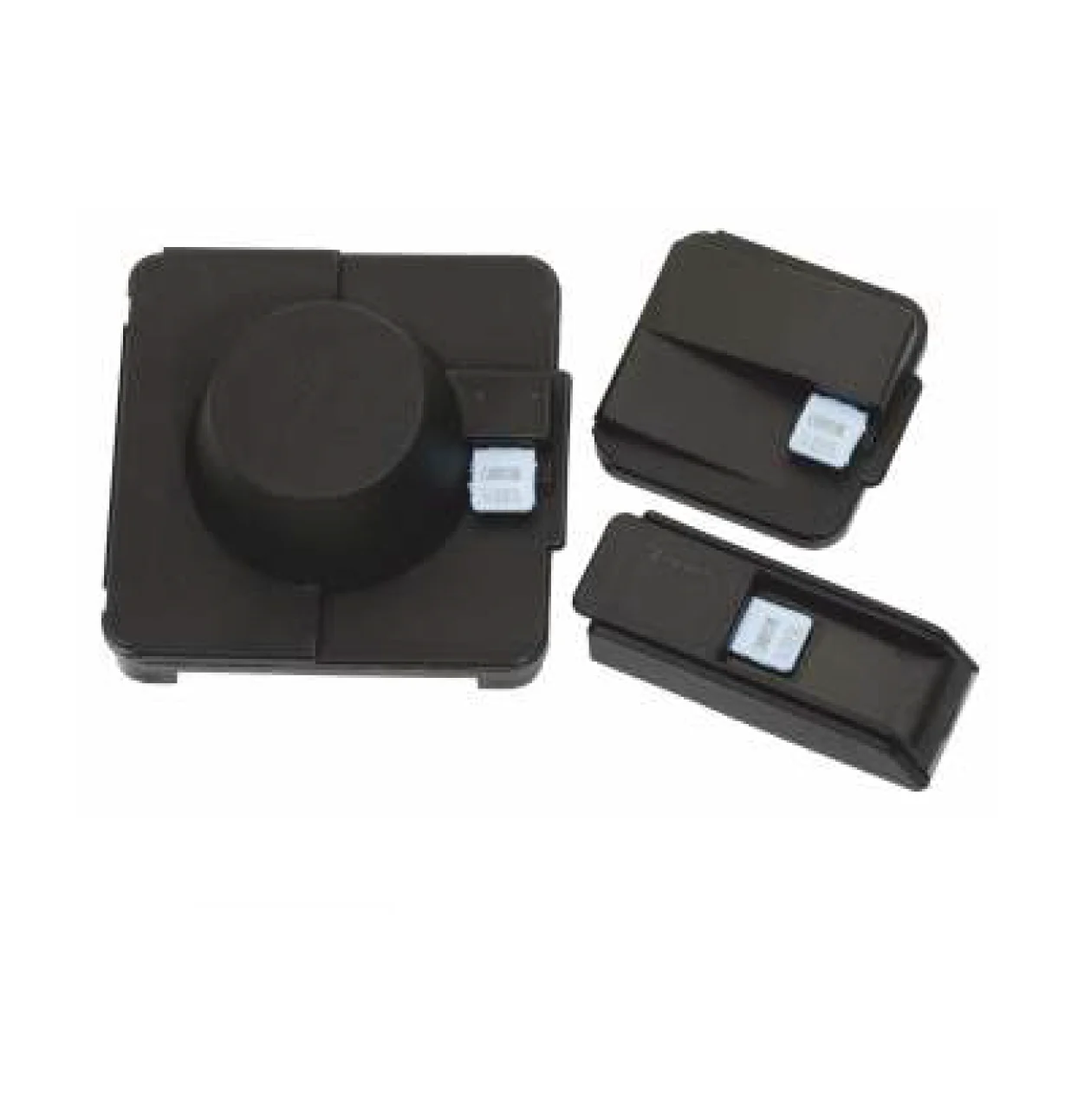
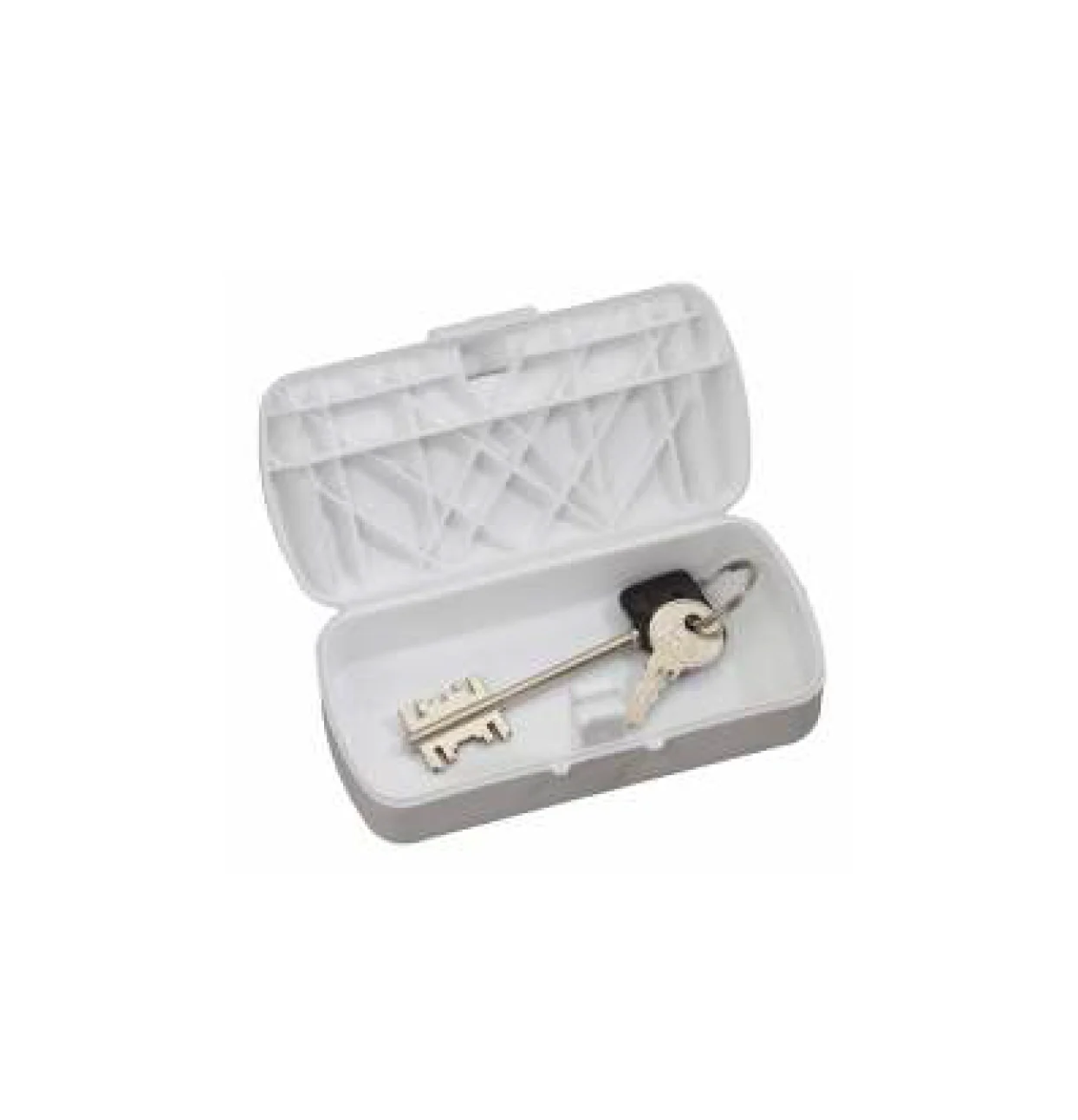
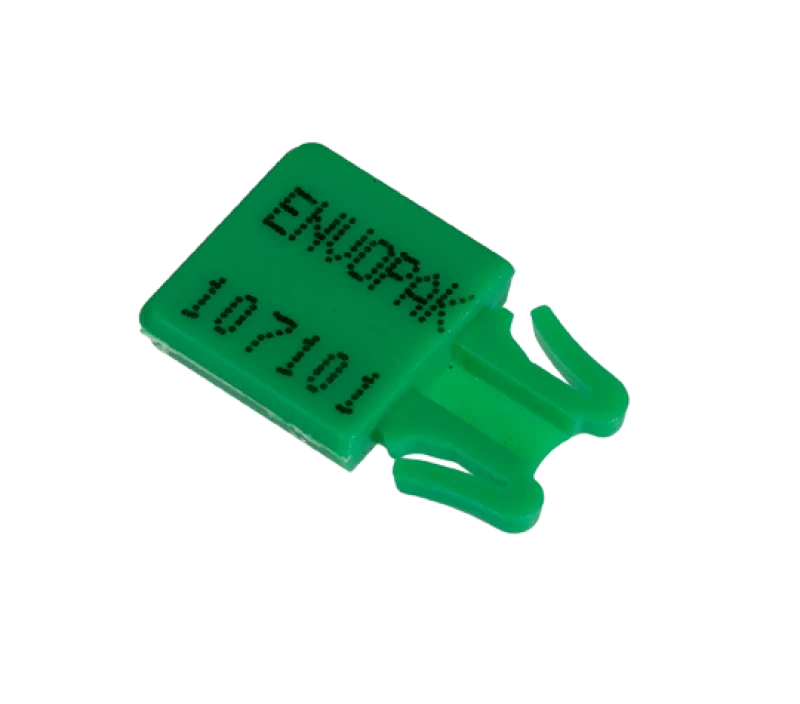
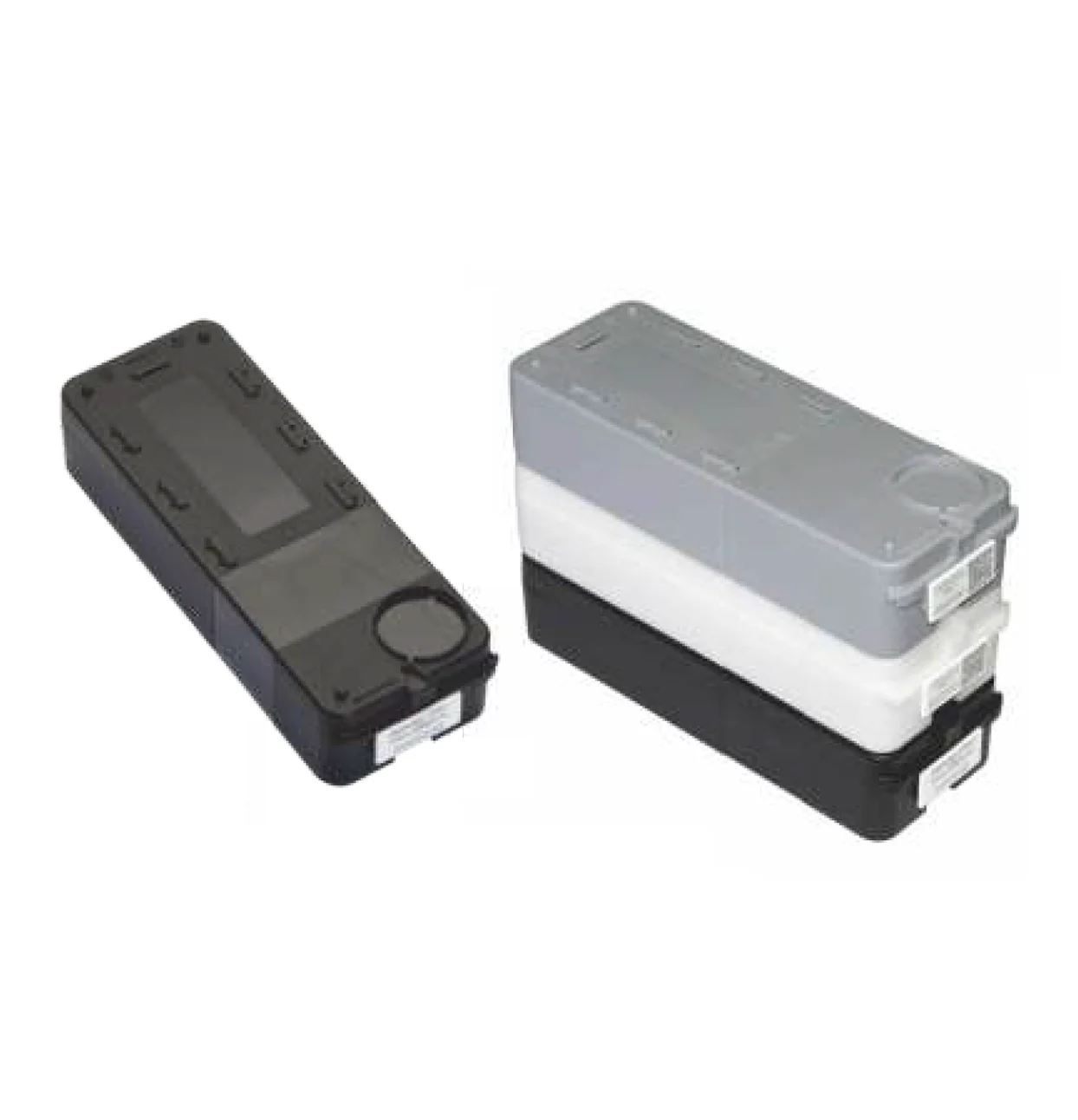
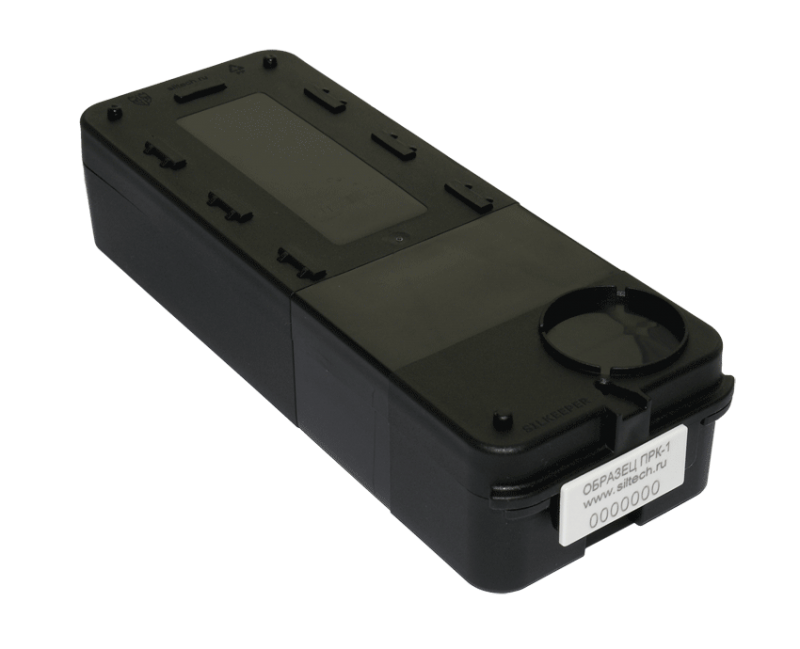
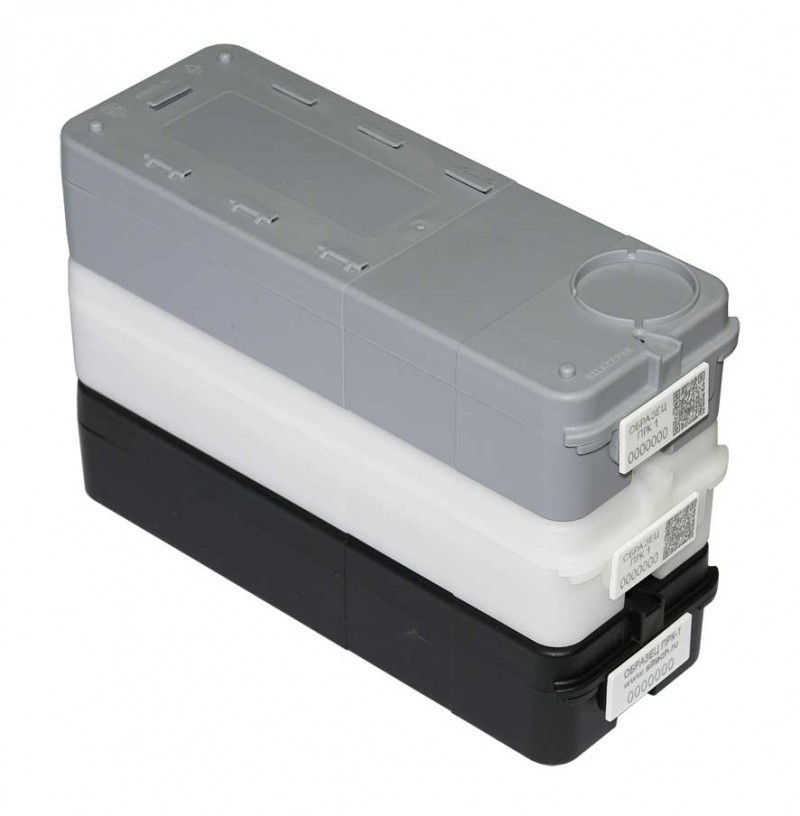
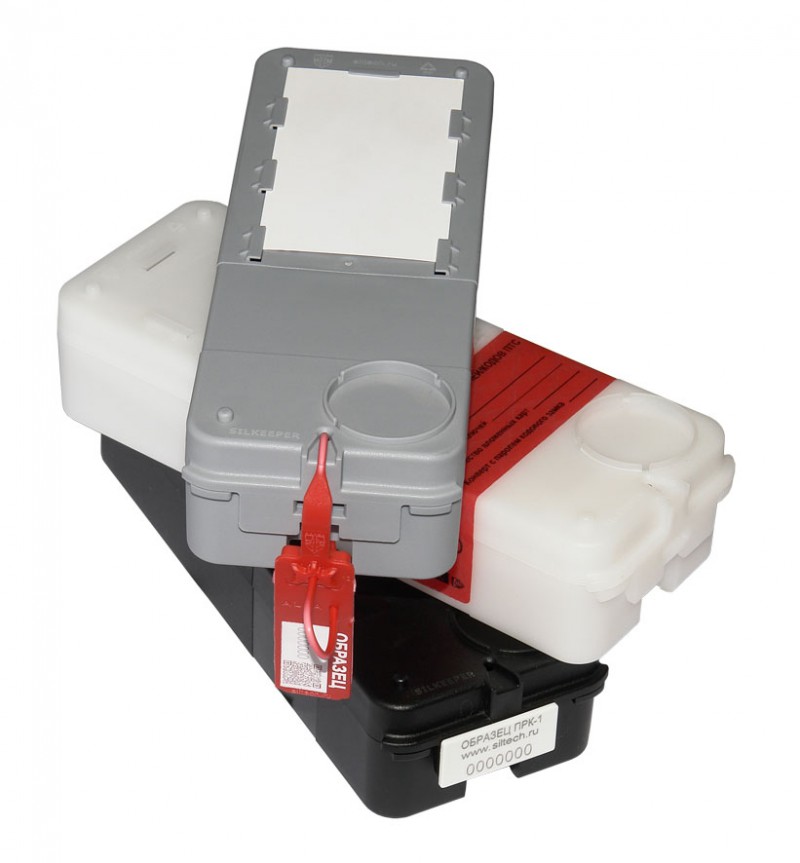
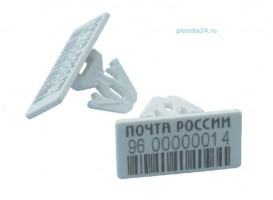
Plastic keycase Silker. with individual marking and several cameras for multiple sealing with various numbered plastic seals PRK-1 (recommended), numbered plastic seals “Alfa® MK”, numbered seals–stickers TFR®, as well as plasticine and surguch (in accordance with the regulations for municipal institutions).Advantages
|
 |
|
 |
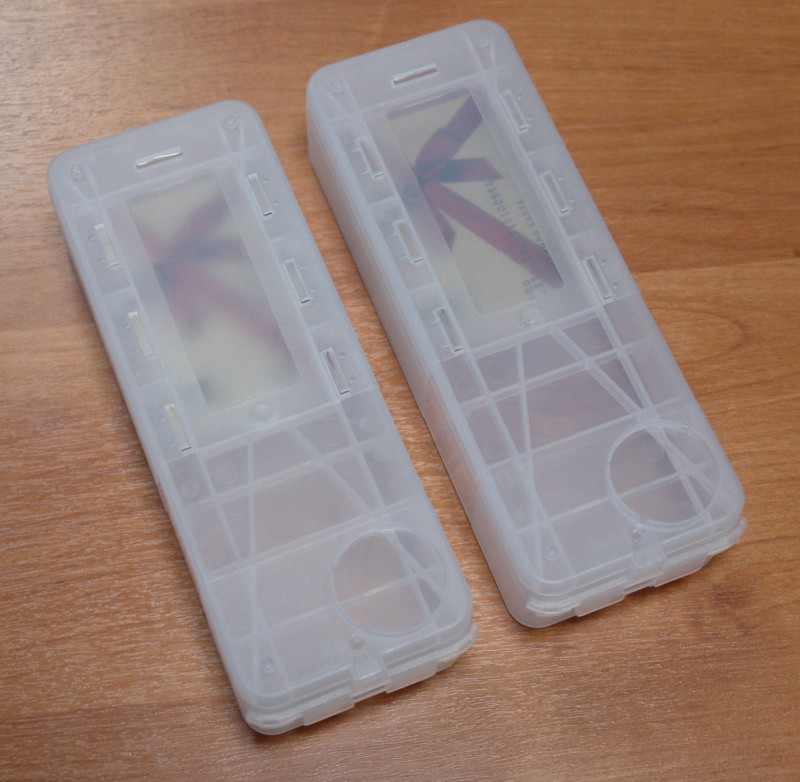
| Colors: black, gray, white, transparent. The transparent Silkiper® pencil allows you to see the attachments inside without opening the pencil case or not opening the seal again to verify the authenticity of the contents. Application
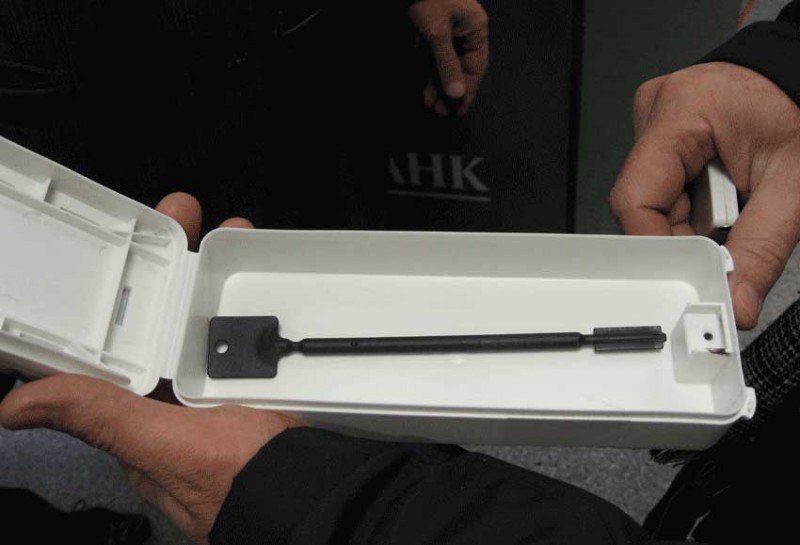
It is used to control access to smart cards, keys for ATMs (collection), for office doors, from retail and warehouse premises, from safes and other cabinets and drawers, to other small-sized valuables. |
 |
 |
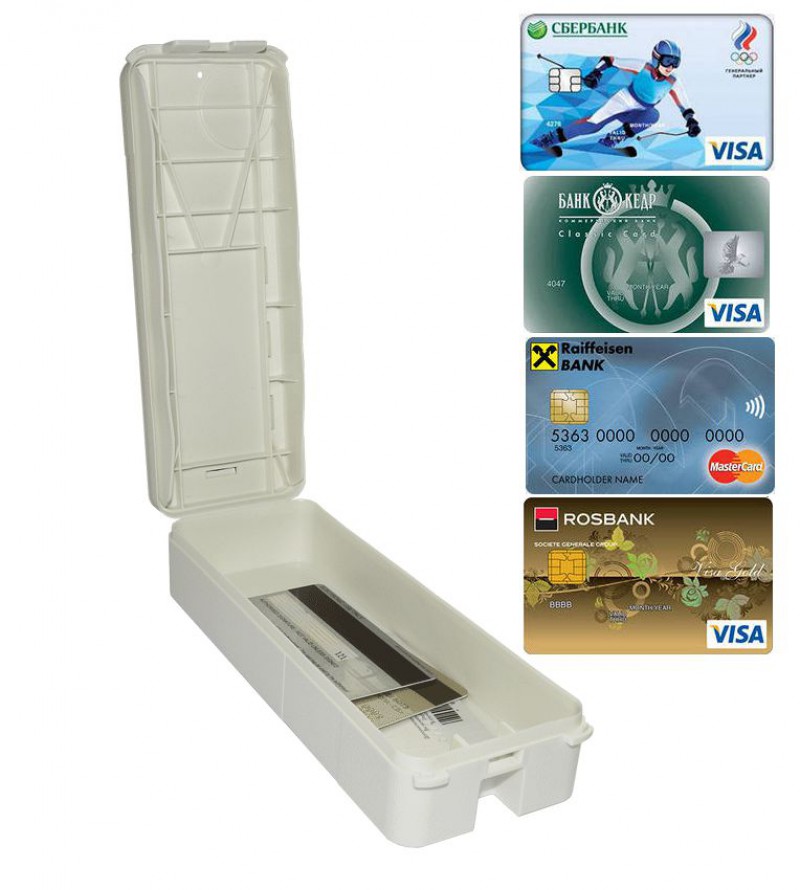 |
| • The ability to stack on top of each other for compact storage. • Ease of reading numbers from numbered plastic seals on stacked pencil cases. • The double wall of the lid creates an increased level of protection against unauthorized access. |
|
 |
 |
 |
 |
 |
Technical specifications
|
| Implementation Instructions Installation 1. Place the keys or smart cards in the Silkiper® pencil and close the lid. 2. Seal the pencil case using one of the cameras indicated in the figure above, based on the filling device used. 3. Check the reliability of the closing attempt to pull the seal. 4. Enter the registration log (accompanying documents) the number of the Silkiper pencil and the filling used.Withdrawal 1. Verify the number of the pencil and seal with the data entered in the registration log (accompanying documents). 2. Make sure there are no traces of opening or mechanical damage to the pencil or seal used. Pay attention to the presence of traces of thermal or chemical effects, adhesives, inreadability of the logo and number, free removal of the seal from the opening of the sealing chamber. 3. Remove the seal and open the pencil case. 4. Examine the seal for unauthorized effects. |